Faculty: Update Contact Information
This tutorial is to instruct faculty and staff on how to update contact information in the Veracross portal. The phone number entered in your profile is used for emergency text notifications such as school closures.
Update Contact Info
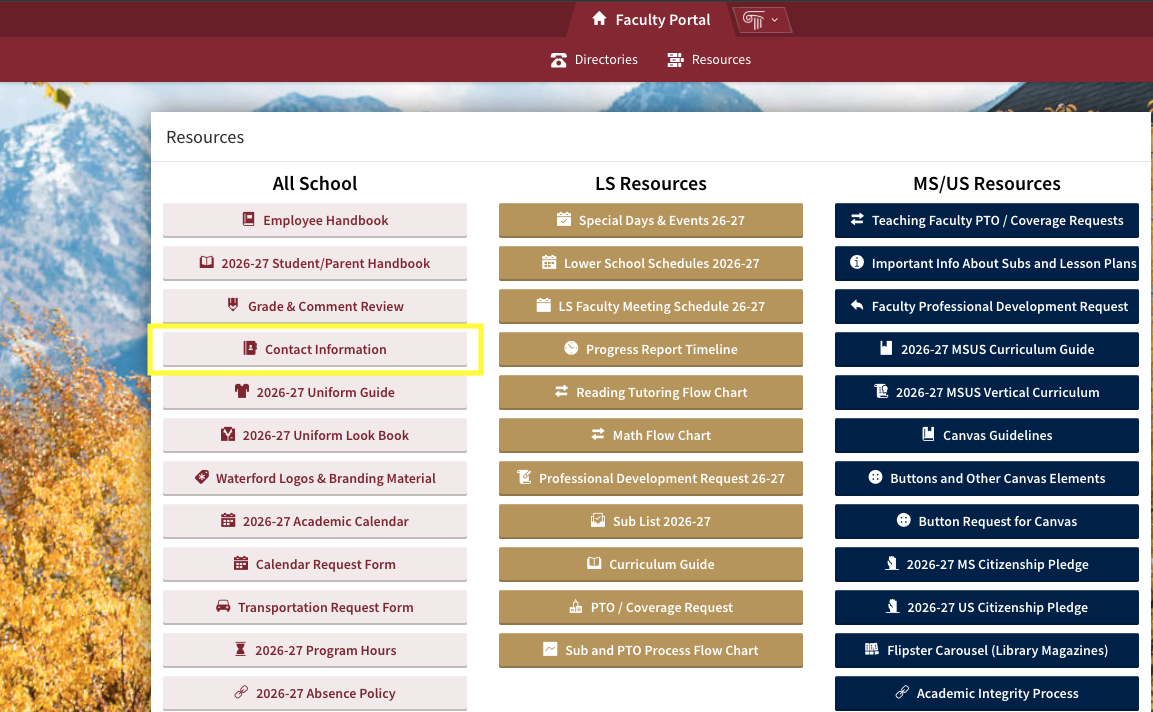
Login to the faculty portal and click on the “Resources” tab in the top middle. Then, click the 4th button down “Contact Information”. This will take you to: https://portals.veracross.com/@waterford/faculty/profile
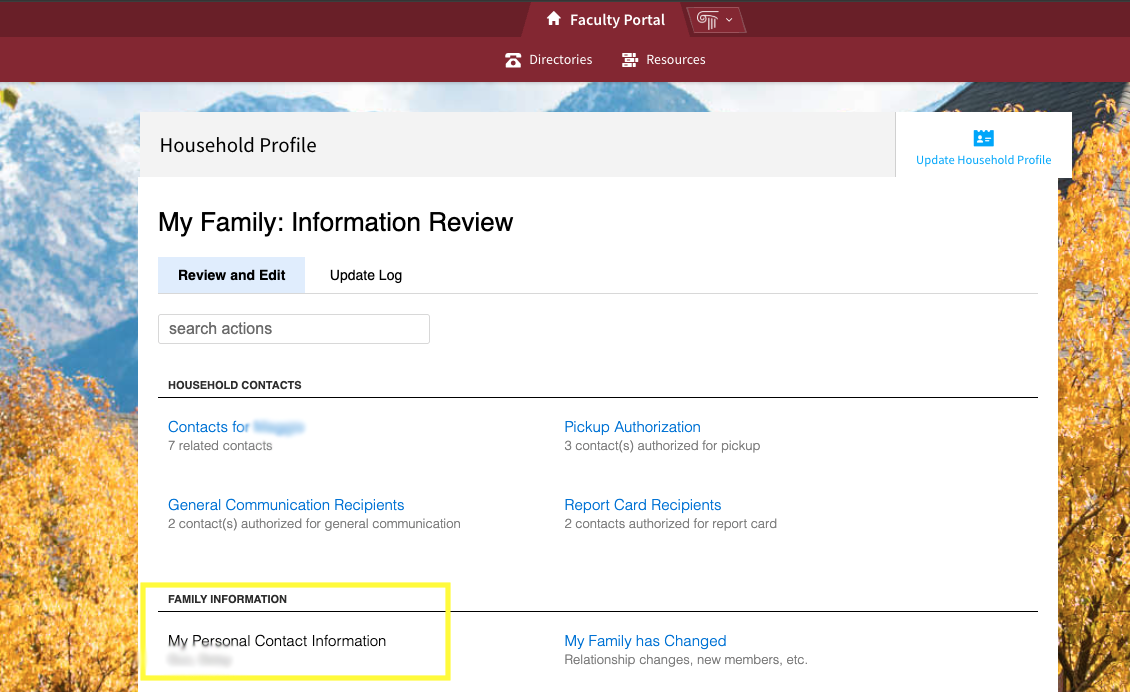
Click on “My Personal Contact Information” to see what is currently entered into the system. If your phone number is accurate, no action is needed. If you need to change your number, click on the “edit” button to change your number(s), and then click save.
Change Primary Address
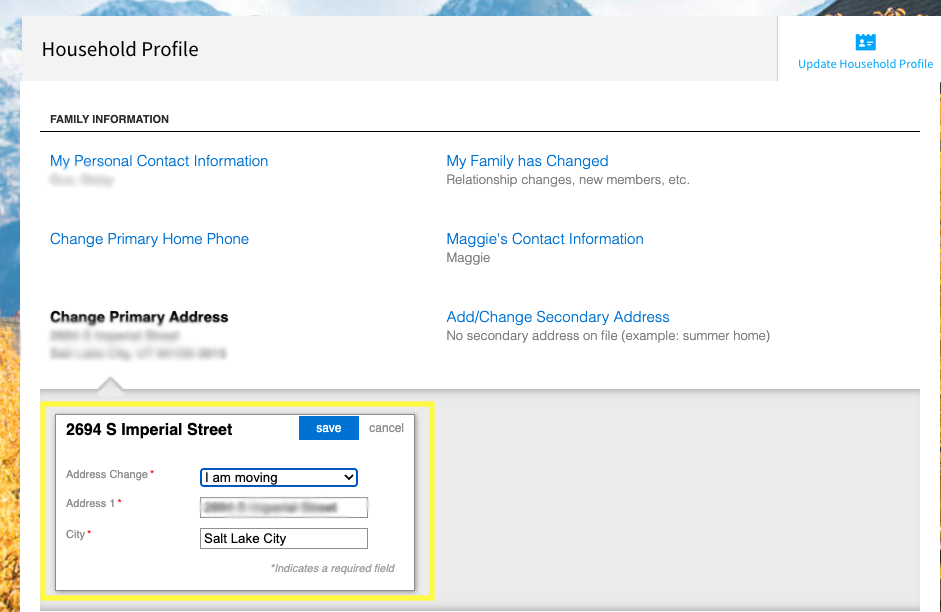
Click the “Change Primary Address” link to open the address edit window. Click “Edit”, choose an “Address Change” reason and typee a new address then click “save”.